What FYI holds about a client
FYI describes itself as automated document and practice management built for accountants (fyi.app, checked November 2026). In practice the client record is where the firm’s written history sits: the documents, the emails someone filed, the jobs and tasks the team is working through.
That makes it the right home for meeting notes. When a colleague picks up a client next month, FYI is the first place they look. If the meeting is there, they start with context. If it isn’t, they start by asking around.
Where meetings are the gap
Everything in that client record got there because someone wrote it down or filed it. Meetings are the exception, because the content is spoken. The client agreed to send the payroll reports by Friday. They asked whether you could look at their trust structure next year. You told them roughly what to expect on their tax bill. None of that is a document until someone makes it one.
Making it one is the job that slides. Our research across 259 accounting firms found the median firm loses 3.8 hours a week to post-meeting tasks, and over 60% say capturing action items and next steps is their biggest challenge. 12% told us their notes, tasks and client emails live in different systems altogether. On a day with five client meetings, the write-up for the third one is usually the casualty.
The cost shows up later. A manager rings the partner to ask what was agreed. A client is asked for something they already sent. Advice you gave can’t be found on file when the question comes back months later.
How to get client meeting notes into FYI
The manual way
Someone takes notes during the meeting, tidies them up afterwards, saves them as a document and files it to the right client in FYI. Then they set up tasks for the actions agreed and write the follow-up email to the client.Someone takes notes during the meeting, tidies them up afterward, saves them as a document and files it to the right client in FYI. Then they set up tasks for the actions agreed and write the follow-up email to the client.
It works when it gets done. It depends on the person running the meeting also being a good note-taker, and on them finding a quiet twenty minutes afterwards. If you go this way, a consistent structure helps. OurIt works when it gets done. It depends on the person running the meeting also being a good note-taker, and on them finding a quiet twenty minutes afterward. If you go this way, a consistent structure helps. Our client meeting notes template gives every write-up the same headings, so they’re quicker to write and easier to scan in FYI.
With Vinyl
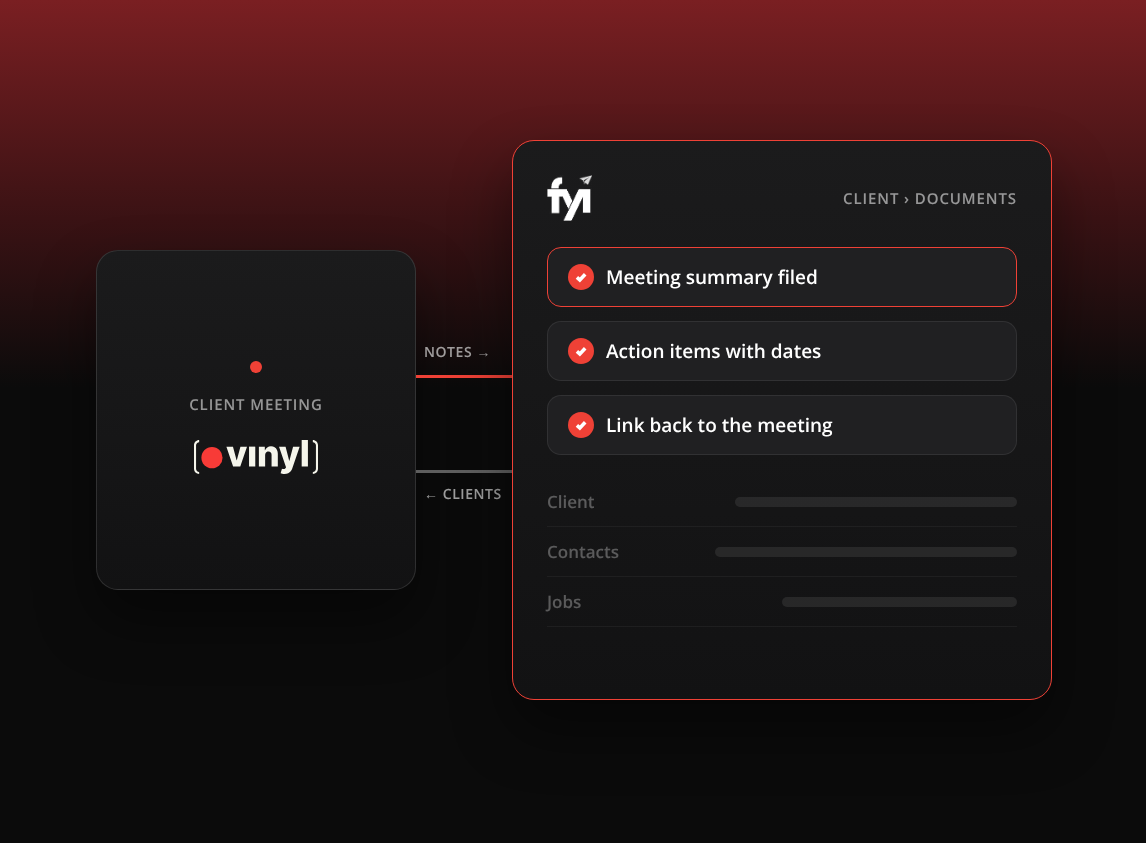
Vinyl’s FYI integration does the filing for you, and the sync runs both ways:
- From FYI into Vinyl: Vinyl syncs your clients, contacts and groups from FYI and keeps them current, so each meeting can be matched to the right client.
- From Vinyl into FYI: right after the meeting, a summary is saved against the matching FYI client, with an overview, the key discussions and the action items with their owners and dates, and a link back to the meeting in Vinyl, where the transcript and recording stay.
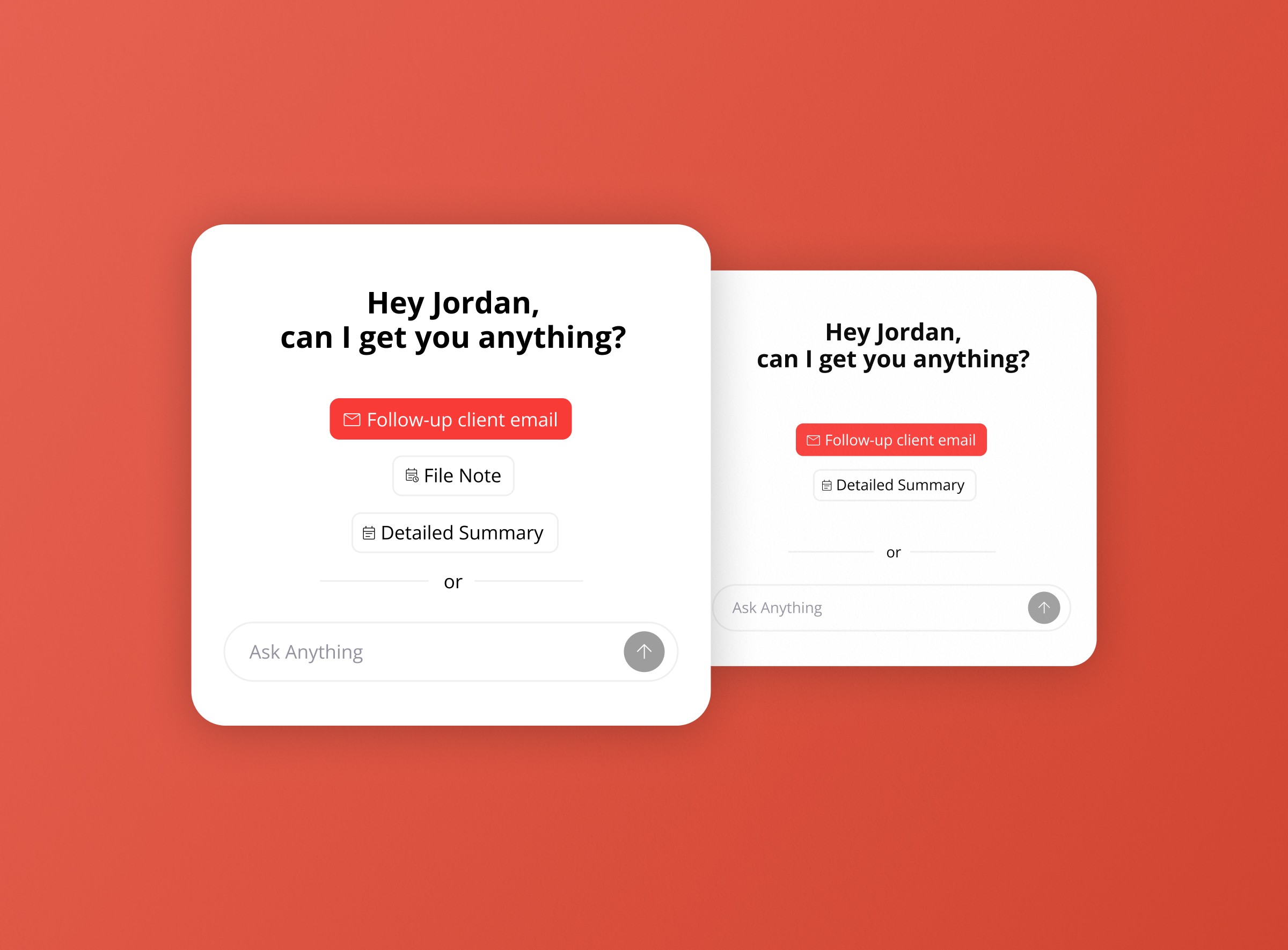
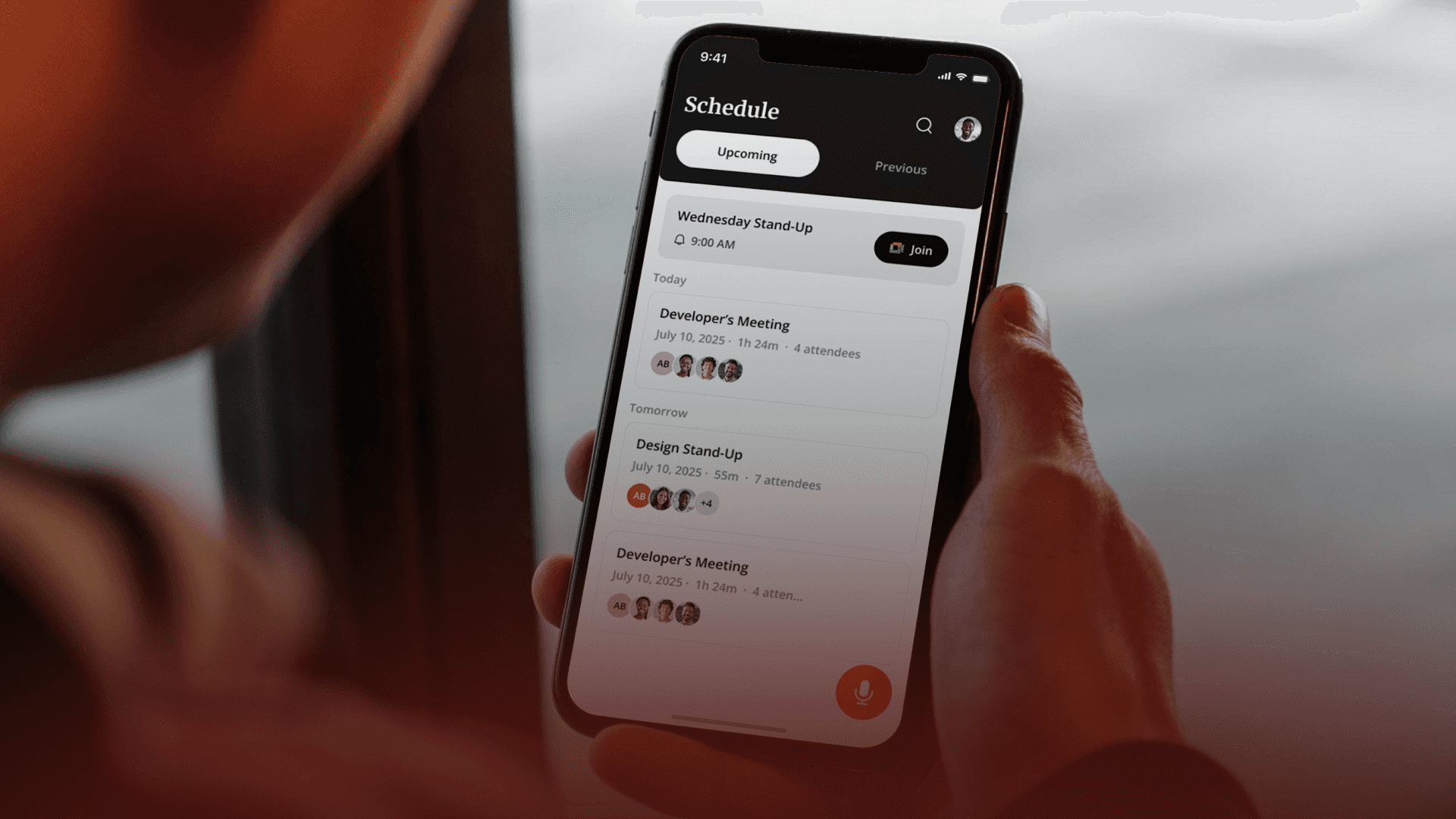
Vinyl joins your Zoom, Microsoft Teams and Google Meet calls from your Google or Microsoft calendar, and the mobile app records in-person meetings. The summary is written for accounting conversations, with firm actions and client actions kept separate. Vinyl also drafts the follow-up email, which you review and send from your own Gmail or Outlook.
How Vinyl matches a meeting to an FYI client
Matching runs on email addresses. Vinyl compares the attendees’ email addresses with your FYI contacts, and it checks every contact under a client, including the people who aren’t the main contact. If the client’s bookkeeper and their business partner both join, the meeting still goes to that client.
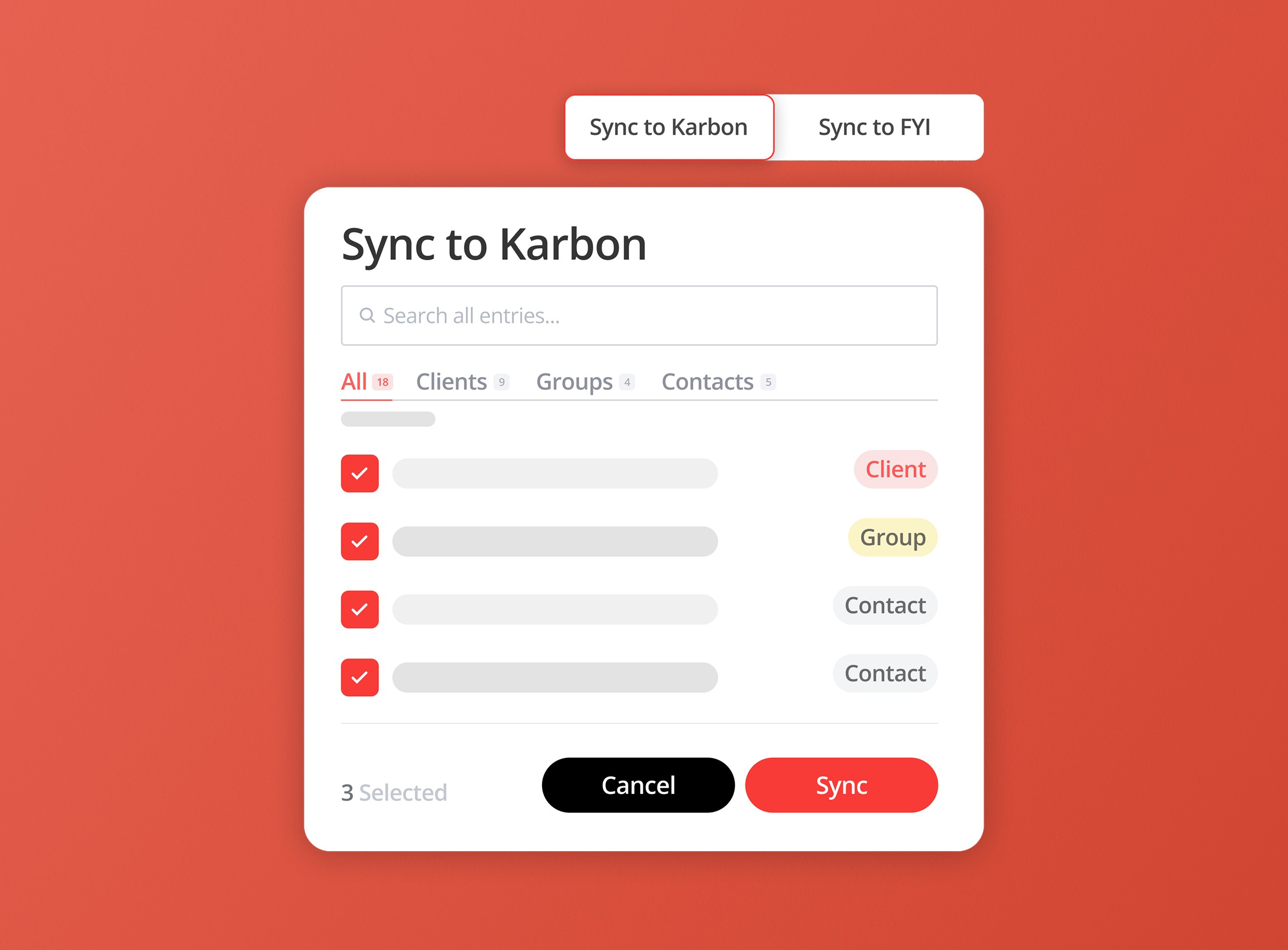
If nobody in the meeting matches an FYI contact, the meeting isn’t filed automatically. You open it in Vinyl, use Sync to FYI, choose the client and file it yourself. If that happens often, it’s usually a sign that some contact records in FYI are missing email addresses.
Where the notes land in FYI
Vinyl meeting summaries are saved to the client’s Documents tab. To find one, search for the client in FYI, open their profile and go to Documents. If a summary isn’t where you expect, check you’re looking at the same client record the meeting was linked to in Vinyl.
Setting it up
FYI connects at firm level, so one person, usually an admin or practice manager, does it once for the whole team:
- In Vinyl, go to Integrations, find FYI and click Connect.
- In FYI, go to Automation > Apps, scroll to the Vinyl App section and open its settings with the gear icon.
- Copy the Access Key ID and Secret Key ID.
- Paste both into Vinyl and click Submit.
Two things to know before you start. Vinyl connects to one practice management system at a time, so if Karbon or Xero Practice Manager is connected, disconnect it first. And client and contact changes sync from FYI nightly, so a client you add today can take up to a day to appear in Vinyl.
New connections start on manual sync, where you pick the client for each meeting. We recommend it for most firms to begin with, particularly if clients share email addresses across several entities. When you’re happy with the matching, switch on Automatic Sync in the FYI settings on Vinyl’s Integrations page. One more detail on manual sync: re-syncing a meeting to the same client overwrites the document, while syncing it to a different client creates a new one.
What to check before you switch it on
- Email addresses in FYI. Matching depends on them, so make sure your most active clients have an email address against each contact.
- Which meetings belong on file. Not every conversation should sit on a shared client record. Decide which meetings sync automatically and which you file by hand, or keep manual sync for everything.
- Your review rule. An AI summary is a strong first draft. Agree who reads it before it becomes part of the client record, particularly when it records tax advice.
- Data handling. Ask where meeting data is stored and whether it’s used to train AI. Vinyl stores primary data in Australia and doesn’t train AI on your meetings. Our guide to using an AI notetaker safely in client meetings has the full list of questions to ask.
- Consent. Tell clients the meeting is being recorded, and check your professional body’s guidance and local rules.
If part of your group runs on Karbon, our guide to Karbon AI and client meeting notes covers the same problem from the Karbon side.
FYI already holds the written record of each client. The meeting is often where the most useful part of that record starts, and it’s the part most likely to be missing. Once each conversation is filed to the client the same day, the next person to open that client in FYI sees what was said out loud as well as what was written down.
Frequently Asked Questions
Can Vinyl save meeting notes to FYI automatically?
Yes. Once FYI is connected, Vinyl files a summary of each meeting to the matching FYI client: an overview, the key discussions and the action items with their owners and dates, plus a link back to the meeting in Vinyl. The transcript isn’t sent to FYI. New connections start on manual sync, and you can switch on automatic sync in Vinyl’s FYI settings.
Where do Vinyl meeting notes appear in FYI?
In the client’s Documents tab. Search for the client, open their profile and go to Documents.
What happens if a meeting doesn’t match an FYI client?
It isn’t filed automatically. Open the meeting in Vinyl, use Sync to FYI and choose the client. Matching uses attendees’ email addresses, so frequent misses usually point to missing emails on FYI contacts.
Does everyone in the firm need to connect FYI?
No. FYI connects at firm level, so an admin or practice manager connects it once with the access key and secret key from FYI’s Automation > Apps page, and the whole team is covered.
Can I use Vinyl with FYI and Karbon at the same time?
No. Vinyl connects to one practice management system at a time, whether that’s FYI, Karbon or Xero Practice Manager. Disconnect one before you connect another.