If your firm runs on Karbon, you’ve probably noticed the AI features turning up in your inbox and on work items. Summaries of long email threads. A drafted reply waiting for you. A client brief pulled together from everything Karbon knows about them.
That last part is the catch. Karbon’s AI can only work with what’s in Karbon. And for most firms, the richest information about a client never gets there, because it was said out loud in a meeting and lives in someone’s notebook, or their head.
This guide covers what Karbon AI does today, where its view of a client has gaps, and how to get client meetings onto the Karbon timeline so the whole team (and those summaries) can see them.
What Karbon AI does today
Karbon describes Karbon AI as a set of AI features built into its practice management platform. On its AI page, checked in October 2026, Karbon lists these capabilities:
| Feature | What Karbon says it does |
|---|---|
| Smart Suggestions | Suggests colleagues and contacts to assign, based on prior work history |
| Compose & Refine Emails | Drafts and improves emails, with options for tone, length and language |
| Client Summary | Summarises emails, notes, work and billing data into one client briefSummarizes emails, notes, work and billing data into one client brief |
| Work Conversations Summary | Gives a snapshot of highlights and recent updates on a work item |
| Email Summary | Produces short summaries of long email conversations and internal discussions |
| Quick Replies | Suggests editable responses to emails |
| Create Email from Tasks | Drafts emails from tasks, reflecting progress and any prompts you add |
| Time-Tracking | Flags missed time entries based on tasks completed |
Karbon’s FAQ says Karbon AI is available to all Karbon customers at no additional cost, that you need an active paid subscription, and that it’s switched on for everyone in the firm by default, with account administrators able to turn it off in firm settings. Karbon also lists further features as early access or coming soon, so check its page for the current state before you plan around anything.
For a busy practice, the email features are the quick win. A partner coming back to forty messages on a client thread can read a summary instead, and a drafted reply is a better starting point than a blank screen.
Where Karbon’s picture of a client has gaps
Look at the inputs in that table: emails, notes, work, billing, tasks. Every one of them is something written down in Karbon.
Plenty of the important stuff in a client relationship is never written down there. The client mentioned in a planning meeting that they’re thinking of buying a second site. They agreed to send the payroll reports by Friday. They asked whether you could look at their trust structure next year. If nobody writes that up and files it, Karbon doesn’t know it happened, and neither does the colleague who picks up the work next month.
Our own research across 259 accounting firms found that over 60% say their biggest meeting challenge is capturing action items and next steps clearly, and the median firm loses 3.8 hours a week to post-meeting admin. When that admin gets squeezed, the meeting record is usually the first thing to go.
So the more of each client’s story actually lands in Karbon, the more useful everything built on top of it becomes, AI summaries included.
How client meetings get into Karbon
There are two ways to get a meeting onto a Karbon timeline.
The manual way
Someone takes notes during the meeting, tidies them up afterwards, works out which client and contacts they belong to, and posts a note to the timeline. Then they create the tasks for any actions agreed.Someone takes notes during the meeting, tidies them up afterward, works out which client and contacts they belong to, and posts a note to the timeline. Then they create the tasks for any actions agreed.
It works when it happens. The trouble is that it’s the step most likely to slide on a day with six meetings, and it depends on the note-taker catching everything while also trying to give advice.
With Vinyl
Vinyl’s Karbon integration does that handoff for you:
- Vinyl syncs clients and contacts from Karbon, so each meeting is recognised against the right people and entities.Vinyl syncs clients and contacts from Karbon, so each meeting is recognized against the right people and entities.
- It joins your Zoom, Microsoft Teams and Google Meet calls from your calendar, and the mobile app records in-person meetings across a desk.
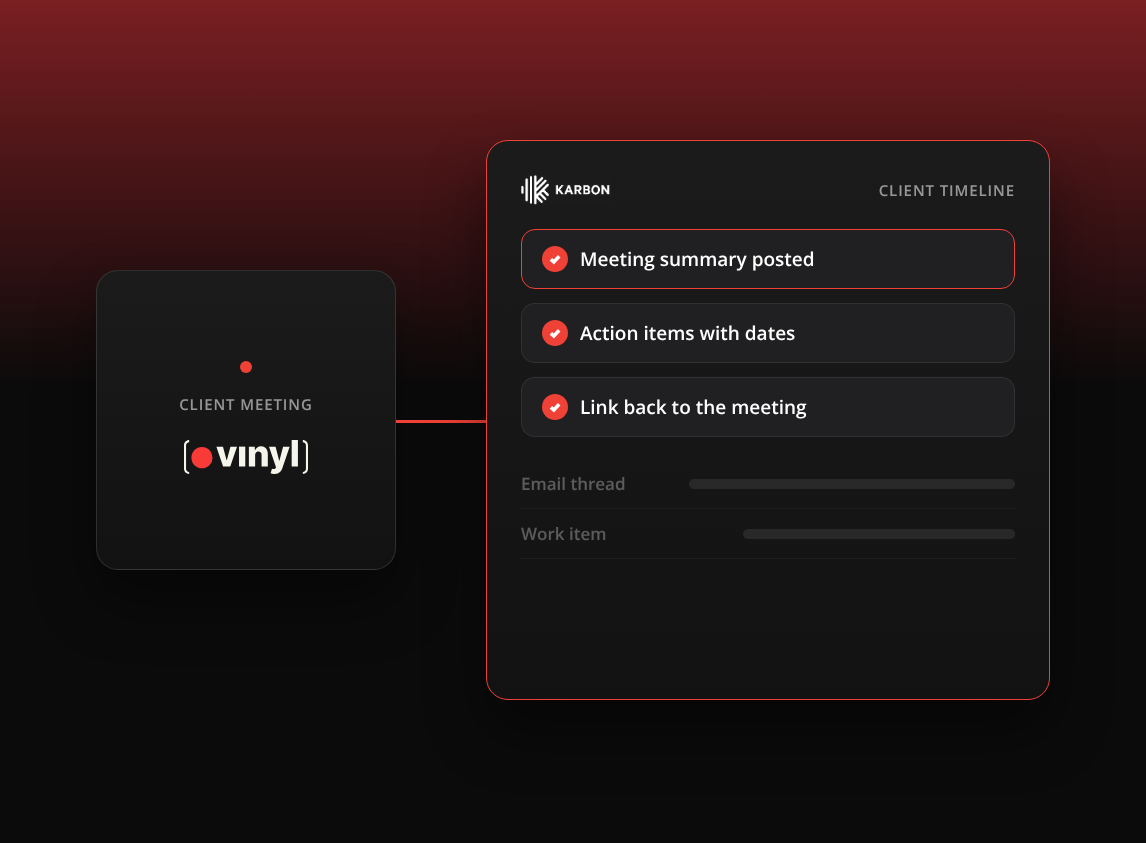
- Right after the meeting, a summary lands on each matched Karbon timeline, with an overview, the key discussions and the action items with their owners and dates, and a link back to the meeting in Vinyl, where the transcript and recording stay.
- The key discussions and the action items with their owners and dates are stored with the related client.
- You can let notes post automatically, or choose exactly where each meeting goes with manual sync, which helps when one client has several entities.
The step-by-step setup is in our guide to syncing client meeting notes straight into Karbon.
How Karbon AI and Vinyl fit together
They do different jobs, and they’re better side by side.
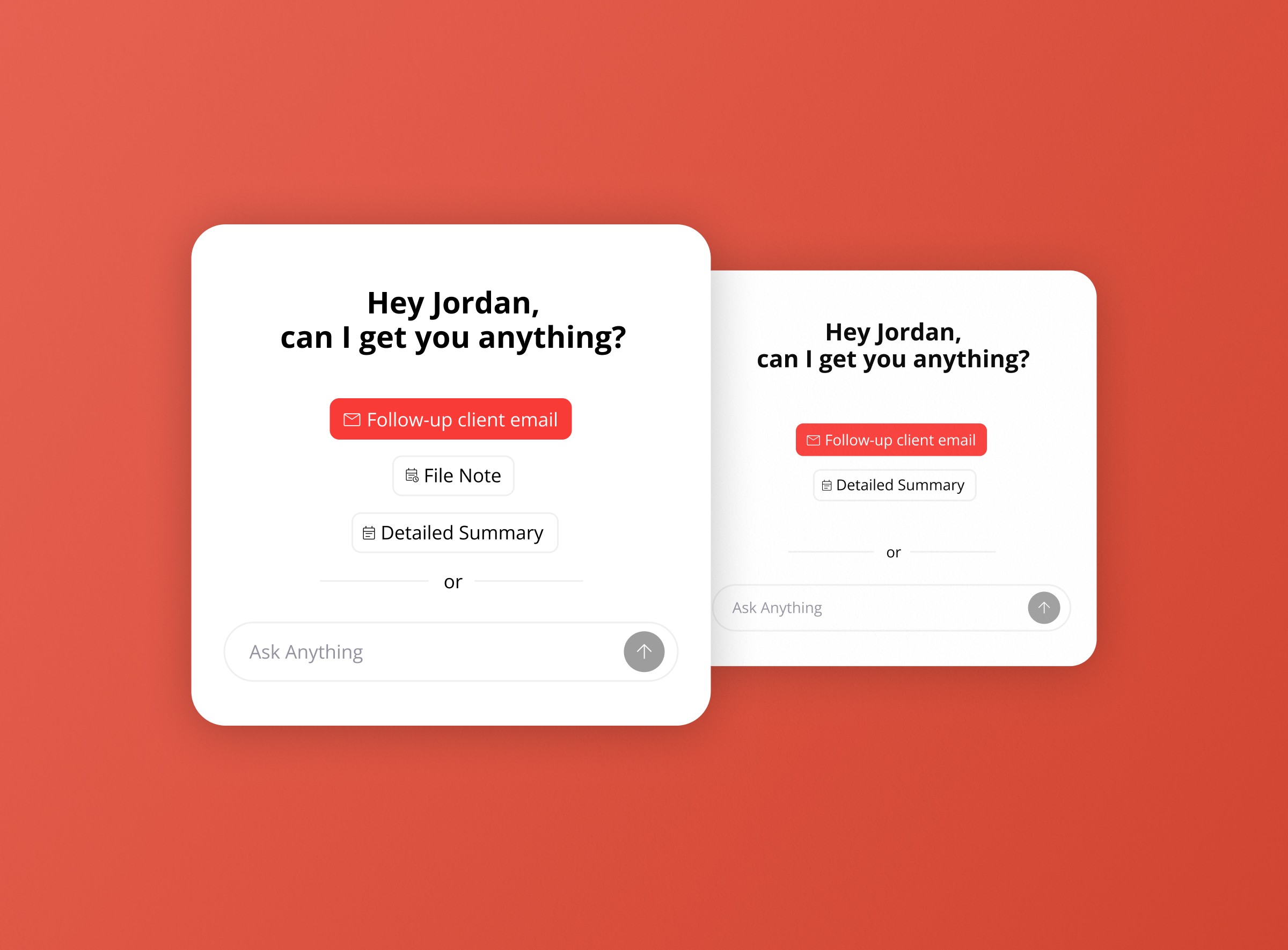
Karbon AI helps you work faster with what’s already in Karbon: reading threads, drafting emails, summarising a work item before you pick it up. Vinyl makes sure the client meeting is part of that record in the first place, and drafts the work that comes straight out of the meeting, likeKarbon AI helps you work faster with what’s already in Karbon: reading threads, drafting emails, summarizing a work item before you pick it up. Vinyl makes sure the client meeting is part of that record in the first place, and drafts the work that comes straight out of the meeting, like the follow-up email, the file note and, for advisory conversations, a proposal in Ignition, Socket or Anchor.
A typical flow for a Karbon firm looks like this:
- Before a client meeting, a Vinyl pre-meeting brief reminds you what was discussed last time and what’s still open.
- Vinyl records the meeting and writes up the summary and actions.
- The summary and actions land on the client’s Karbon timeline.
- The follow-up email is drafted for you to review and send from your own Gmail or Outlook.
- Later, anyone in the team opening that client in Karbon sees the meeting alongside the emails and work, whether they read the timeline themselves or use Karbon’s summaries.
What to check before you switch anything on
- Who can see what. Not every meeting belongs on a shared timeline. Decide which meetings sync automatically and which you’ll file by hand.
- Your review rule. AI summaries are a strong first draft. Agree who reviews them before they become part of the client record, especially for tax advice.
- Data handling. Ask where meeting data is stored and whether it’s used to train AI. Vinyl stores primary data in Australia and doesn’t train AI on your meetings. Our guide to using an AI notetaker safely in client meetings has the full list of questions.
- Consent. Tell clients the meeting is being recorded, and follow your jurisdiction’s rules.
Karbon is where your firm’s work lives. The meetings are where a lot of that work starts. Connect the two and the conversation reaches the record the same day, instead of waiting for someone to find time to write it up.
Frequently Asked Questions
What is Karbon AI?
Karbon AI is the set of AI features built into Karbon’s practice management platform. Karbon lists email summaries, email drafting and refining, quick replies, client summaries, work conversation summaries, drafting emails from tasks, smart assignment suggestions and missed-time flags.
Does Karbon AI cost extra?
Karbon’s FAQ, checked in October 2026, says Karbon AI is available to all Karbon customers at no additional cost and requires an active paid subscription. Karbon says it will tell customers in advance if that changes, so check its site for the latest.
How do I get client meeting notes into Karbon automatically?
Connect Vinyl to Karbon. Vinyl syncs your clients and contacts, records your Zoom, Teams, Google Meet and in-person meetings, and posts a summary with the agreed actions to the matched Karbon timelines after each meeting.
Can I choose which Karbon client a meeting is filed to?
Yes. Vinyl supports automatic sync, which files by the people in the meeting, and manual sync, where you pick exactly where each meeting is posted. Manual sync is useful for clients with several entities.
Does Vinyl work with FYI and Xero Practice Manager too?
Yes. Vinyl syncs two-way with FYI and pulls clients, contacts and groups from Xero Practice Manager, so meetings are organised against the right client whichever practice management system you use., so meetings are organized against the right client whichever practice management system you use.