Vinyl Research: Post-Meeting Admin Is Quietly Costing Accounting Firms 23+ Days a Year

Jordan Vickery
·
3
min read
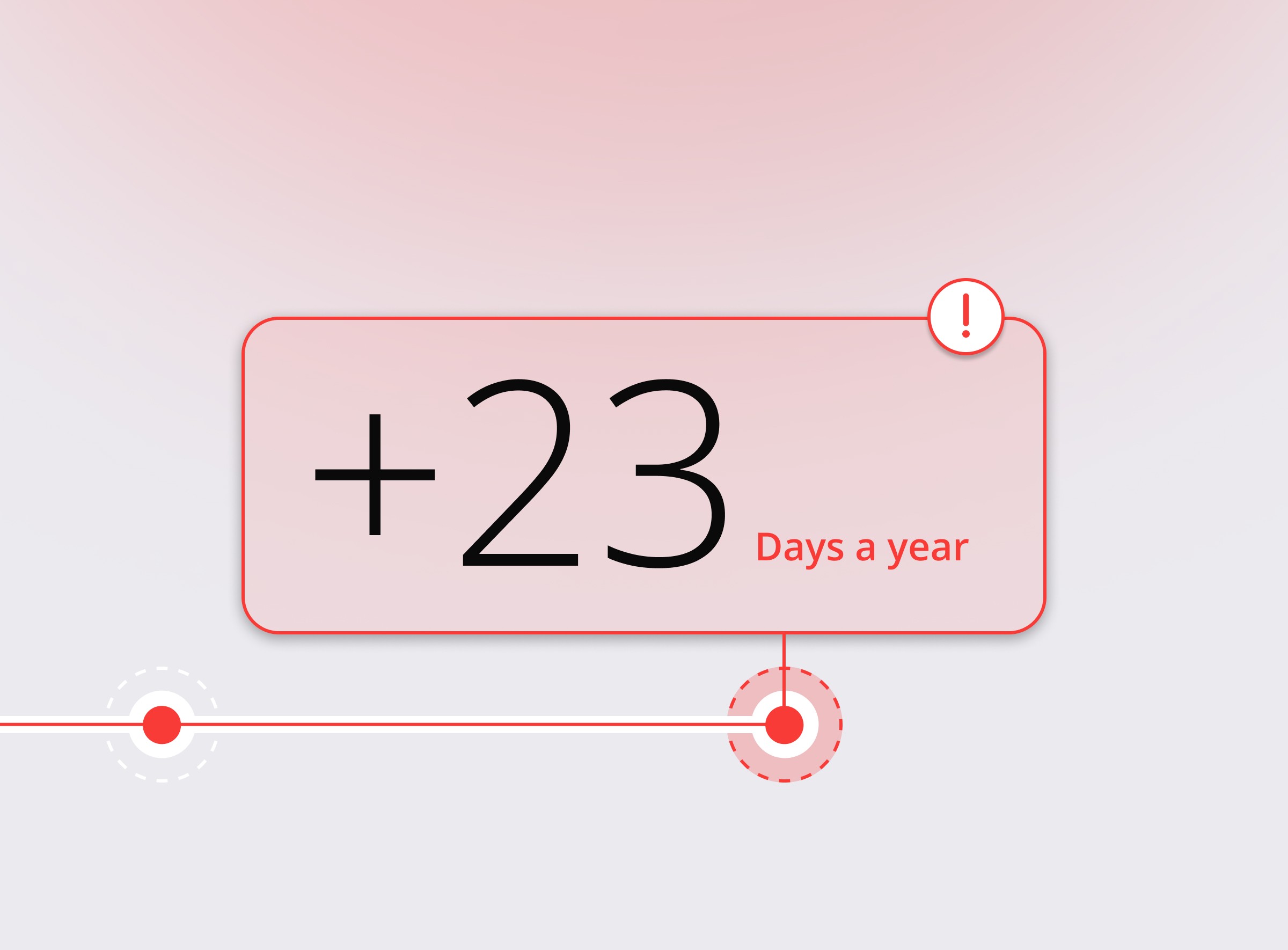
Post-meeting admin is not just a minor inefficiency it’s a significant hidden cost that drains hours each week, reduces productivity, and creates operational risk across accounting firms.
Key points:
How post-meeting tasks like note-taking, follow-ups, and task tracking can consume hours after every meeting
The cumulative impact of meeting admin, with some firms losing multiple days each month or even over 100 days per year
Why the biggest challenge isn’t writing notes, but reconstructing decisions, actions, and context after meetings
The role of context switching in increasing mental load, slowing momentum, and adding stress
Common issues with manual processes, including missed tasks, poor delegation, and scattered information across tools
Why basic transcription or native meeting tools often fail to reduce workload and instead shift it
We all expect meetings to chew up time. But it’s what happens after the meeting when you're trying to piece together what was said, who’s doing what, and where that note went that’s quietly draining entire weeks from your year.
We surveyed 259 accounting firms to understand the true cost of post-meeting admin. The results? Brutal. And probably familiar.
The Real Time Drain Hiding in Plain Sight
Let’s start with the basics: most firms are losing time after every meeting.
According to our research, 57% of firms spend at least 30 minutes on admin for each meeting. That includes reviewing notes, confirming action items, chasing follow-ups, or digging through inboxes to remember what was agreed. For 30% of firms, that time blows out to an hour or more.
Even 10% of respondents said they spend 2+ hours per meeting on follow-up tasks—meaning a single day of meetings can wipe out half the week.
Meeting volume isn’t light either. One in four respondents reported 11 or more meetings per week, and over 60% have at least 4–10. Multiply that by even modest admin time, and you start to see the scale of the issue.
The median firm in our survey is losing 3.8 hours per week to post-meeting tasks. But for heavier-meeting firms, that climbs quickly:
The upper quartile loses 11.8 hours per week
The top 10% report losing over 23 hours a week just on admin
If you’re curious where the tipping point happens, it’s firms with 11–20 meetings per week and ≥1 hour of admin per meeting. That combo puts you into the 20+ hour/week zone—nearly three full days lost to follow-up.
Annualised, that’s up to 140 working days per year for the worst-affected firms.
It's Not the Typing—It's the Rebuilding
When we asked firms what they actually struggle with post-meeting, the issue became clearer. The biggest time sink isn’t writing up the notes. It’s reconstructing them. As one respondent put it: “What did we decide again?”
Over 60% said their biggest challenge is simply capturing action items and next steps clearly. Meetings often end in a blur, especially on a busy day, and people are left trying to reconstruct what happened, often from memory.
Then there’s the context switching. Over a quarter of firms flagged the mental load of jumping between calls and follow-ups as a key drag. That time might not show up on a stopwatch, but it kills momentum and adds stress.
Firms also struggle with delegation and follow-through. Tasks discussed in a meeting don’t always get written down, or if they do, they’re buried in someone’s inbox or scribbled on paper. One firm summed it up nicely: “Hard to assign and track what happens after.”
And even when tools are used, 12% said their notes, tasks, and client emails live in completely different systems making it easy to miss context and even easier to duplicate work.
“Before Vinyl, We Were Re-Listening to Zooms”
The problem isn’t just about time. It’s about risk, reliability, and the limits of current tools.
Many firms are still using basic transcription tools like Fireflies, or relying on native meeting recorders in Zoom or Teams. But these tools often leave firms with a rough transcript that still needs to be read, renamed, saved, and manually filed somewhere useful.
At Barry Accountants, for example, they were recording every Zoom call—but the workflow around those recordings was eating up 20 minutes per meeting. As Kevin Barry put it:
“You go on there, you download the MP3, you put it into Loom, you wait for it, you tag it… it was pretty manual.”
For a team handling up to 50 meetings a week, that meant hours of low-value admin time that could’ve been spent serving clients or wrapping jobs faster.
Similarly, the team at High Rock Accounting tried using Fireflies alongside Teams recordings, but there was no connection to their practice tools. Notes had to be copied over manually, action items were missed, and visibility across the team was patchy at best.
“Nothing was automatic,” said Ashley Rhoden, COO. “We had to manually save recordings, dig through transcripts, and recreate tasks in Karbon.”
What About AI Tools Built Into Zoom or Teams?
We hear this a lot: “Why not just use the free AI notes in Zoom or Google Meet?”
Fair question. But those tools aren’t designed for how accounting firms actually work.
They only work inside their own platform (Zoom AI only works on Zoom, for example).
They don’t tag meetings to clients.
They capture everything—including chat about someone’s dog or the weather in Devon.
And they don’t push notes or tasks into your practice system.
That was Shapes’ experience, too. The team tried using Google Meet with transcripts, but they were full of fluff and too hard to scan. Others fed transcripts into ChatGPT or Claude to try to summarise them. The problem? That still meant copying, pasting, formatting, and re-filing every single time.
“Even when a transcript existed, it took several more steps to extract the useful parts and get them saved in the right place,” said Jim Leeves, co-founder at Shapes. “And in-person meetings often left no written record at all.”
Interestingly, only 39% of firms surveyed said they’re using an AI notetaker regularly. 29% still rely on fully manual notes, and the rest describe inconsistent use across tools and team members.
Automation Isn't a Nice-to-Have—It's Operational Infrastructure
When you step back, it’s clear that post-meeting admin isn’t just a productivity problem. It’s an infrastructure problem. It affects:
How consistently your team follows up
How visible client conversations are across the firm
How much work actually gets actioned (versus talked about)
At Shapes, implementing Vinyl gave the team back roughly 1 hour per day, per person, by removing manual steps. They grew revenue by 140% year-on-year without increasing team size, thanks in part to the extra capacity tools like Vinyl unlocked.
At Barry Accountants, Vinyl saved 20 minutes per meeting across 30–50 meetings per week, freeing up their small team to focus on delivery not admin.
And for High Rock Accounting, Vinyl helped standardise meeting notes across a distributed team, making it easier for new advisors to ramp up quickly, and ensuring follow-ups are no longer missed.
Firms Are Ready—They Just Need It to Work
Here’s what our survey revealed about appetite for automation:
96% want automatic action item drafting
91% want meetings transcribed automatically
87% are positively inclined toward automated follow-up emails
The desire is clearly there. The blocker is often that tools are fragmented, inconsistent, or too manual.
What firms want is simple: a seamless way to capture what happened, turn it into clear actions, and drop it where the team works with no extra steps.
Why Vinyl Actually Solves the Problem
Vinyl isn’t just another meeting bot that spits out a transcript. It’s a purpose-built meeting capture system for accounting and bookkeeping firms designed to handle the admin you’d normally be stuck with after the call.
Here’s how it works, and why it’s different.
Platform-agnostic and always-on
Vinyl joins your Zoom, Teams, or Google Meet calls automatically. It can also capture in-person meetings via the mobile app, so even those kitchen-table catchups don’t get lost.
You don’t have to remember to hit record. Vinyl just shows up, captures the meeting, and disappears into the background.
Built for accounting conversations
Vinyl doesn’t just transcribe what was said; it understands the shape of a client meeting. It picks out compliance tasks, lodgement deadlines, open questions, key decisions, and advice notes. It trims the small talk and flags the stuff that matters.
It’s not generic AI, it’s trained to handle the kinds of conversations accounting teams have every day.
Structured, searchable, and auto-organised
Every meeting gets auto-tagged to the right client and synced into your practice tools (like Karbon, FYI, or XPM). That means the next time a client rings, you can pull up the last five meetings in seconds.
Notes aren’t dumped into folders or emails, they’re part of the client record.
From call to action, automatically
Vinyl goes beyond note-taking. It extracts action items, assigns them to the right team members (where possible), and lets you edit, forward, or file the summary immediately. It’s designed to help you take action on the conversation—without retyping it.
Follow-ups can be drafted directly in Vinyl, complete with context and client-friendly formatting.
Your source of truth for client conversations
Because every meeting—whether internal or client-facing—is captured and centralised, Vinyl becomes a trusted record across your firm. Need to hand off a client? Review what was discussed six months ago? Train a new hire?
It’s all there; searchable, structured, and secure.
Final Thought: Stop Reworking the Conversation
The post-meeting grind doesn’t just waste time. It undermines team accountability, introduces risk, and slows everything down.
You don’t need better memory. You need better systems.
Or as Jim from Shapes put it:
“I don’t think we could have delivered what we did last year without Vinyl and Karbon.”
Frequently Asked Questions
How much time do accounting firms typically lose to post-meeting admin?
It adds up quickly. Even modest follow-up tasks after each meeting can turn into several hours per week, and for firms with higher meeting volumes, it can easily reach multiple days lost every month.
Why is post-meeting admin such a common problem?
It’s not just about writing notes. The real issue is piecing together what was said, identifying next steps, and making sure nothing gets missed. That process often happens across multiple tools, which makes it slow and inconsistent.
Are transcription tools enough to solve the problem?
Not really. Transcripts can help, but they still require time to review, summarise, and turn into actionable tasks. Without structure or integration into existing systems, they often just shift the workload rather than remove it.
What’s the risk of handling meeting follow-ups manually?
Important details can be missed, action items can fall through the cracks, and client communication becomes less consistent. Over time, this can impact both efficiency and the overall client experience.
How can firms reduce time spent on meeting admin?
The biggest gains come from automation. Tools that can capture meetings, extract key actions, and organise everything in one place remove the need to rebuild conversations after the fact.
Why are more accounting firms investing in meeting automation tools?
Because it’s no longer just a productivity issue, it’s an operational one. Firms are looking for ways to create consistency, improve visibility across teams, and free up time for higher-value work.
Co-Founder

Table of Contents
Start using Vinyl today
Automatically capture all of your meeting notes
Sync notes & actions to your practice management system
Don't let actions & follow ups fall through the cracks
Start capturing meetings with Vinyl today
"I've been wary of AI notetakers in the past...but Vinyl just gets it. So easy to set up, and the summaries hone in on all the important items. Everything just happens automatically, reducing all the small tasks that quickly add up."