Every piece of software your firm pays for has added “AI” to its homepage this year. Meanwhile someone in your team has been quietly using a chatbot to rewrite client emails, and a junior has asked whether they’re allowed to paste a set of accounts into one.
Working out which AI does useful work, and which is safe near client data, has become part of running a practice. The firms we talk to don’t want a list of fifty apps. They want to know what to use for the jobs that eat their week.
So this guide is organised by job. For each one we cover where AI helps, what to watch for, and which tools are worth a look. We name general AI assistants and well-known practice software as examples. We don’t rank them or quote their prices. We build Vinyl, which covers client meetings, so read that section with that in mind.So this guide is organized by job. For each one we cover where AI helps, what to watch for, and which tools are worth a look. We name general AI assistants and well-known practice software as examples. We don’t rank them or quote their prices. We build Vinyl, which covers client meetings, so read that section with that in mind.
Where accountants are already using AI
Adoption is further along than many partners assume. An AccountingWEB survey found that 32% of surveyed accounting firms already use AI to transcribe calls and meeting notes, with drafting emails and researching tax rules among the other common uses.
Our own survey of 259 accounting firms found the appetite runs ahead of the tools. 96% want automatic action item drafting, 91% want automatic transcription and 87% are positive about automated follow-up emails. Only 39% use an AI notetaker regularly.
Client meetings and follow-ups
Where AI helps
This is the job where AI saves the most hours in most firms, because meetings generate so much admin. In our research the median firm loses 3.8 hours a week to post-meeting tasks, and the upper quartile loses 11.8 hours. Over 60% of firms said capturing action items and next steps is their biggest challenge.
A meeting tool records the conversation, writes the summary, pulls out the actions and drafts the follow-up. Your accountant’s job becomes checking the output, which takes minutes.
What we built for it
Vinyl records Zoom, Microsoft Teams and Google Meet calls from your Google or Microsoft calendar, and the mobile app records in-person meetings. You can also upload an audio file or transcript.
The summaries are written for accounting work, with firm actions and client actions listed separately, and you can choose a concise or detailed version. Vinyl drafts the follow-up email, which you review and then send from your own Gmail or Outlook, or save as a draft. Nothing goes out until you click Send.
A few features go past the notes. Pre-meeting briefs bring the client’s recent history into view before the call. Ask Vinyl answers questions across your past meetings. Revenue opportunities flag work a client raised that could become a new engagement.
Drafting and research with general AI assistants
Where AI helps
General assistants such as ChatGPT, Claude, Microsoft Copilot and Gemini are good at first drafts and plain-English rewrites. Accountants use them to explain a technical point to a client, draft an internal procedure, summarise long public guidance or write an Excel formula. They’re quick, flexible and most of your team has probably tried one already.General assistants such as ChatGPT, Claude, Microsoft Copilot and Gemini are good at first drafts and plain-English rewrites. Accountants use them to explain a technical point to a client, draft an internal procedure, summarize long public guidance or write an Excel formula. They’re quick, flexible and most of your team has probably tried one already.
What to watch for
Treat them as a capable drafting assistant that doesn’t know your client and can be confidently wrong.
- Keep identifiable client information out unless your firm has approved that tool, on that plan, for client data. Names, tax file numbers, social security or National Insurance numbers and financial statements with identifiers are the obvious ones.
- Check every tax answer against primary sources. These tools can be out of date or simply mistaken, and the answer will still read convincingly.
- Read the current terms for the plan your firm uses, since data settings vary between plans and change over time.
- Check your firm’s policy and your professional body’s guidance, whether that’s CPA Australia, CA ANZ, the AICPA, ICAEW, ACCA or another body.
We’ve written a fuller guide on using ChatGPT well in an accounting firm, with example prompts you can copy.
AI inside your practice management platform
Where AI helps
Practice management platforms have been adding AI to the places your team already works, especially email. Typical features summarise a long email thread, draft a reply or give a quick overview of a client. Karbon, for example,Practice management platforms have been adding AI to the places your team already works, especially email. Typical features summarize a long email thread, draft a reply or give a quick overview of a client. Karbon, for example, offers AI features including email summaries, email drafting and client summaries.
The appeal is that the AI sits where the work is, so there’s no copying between windows.
What to look for
- Whether the AI features are included in your plan or cost extra. Ask your provider directly.
- How the summaries are reviewed before anyone acts on them.
- What client information the AI can see, and who controls that.
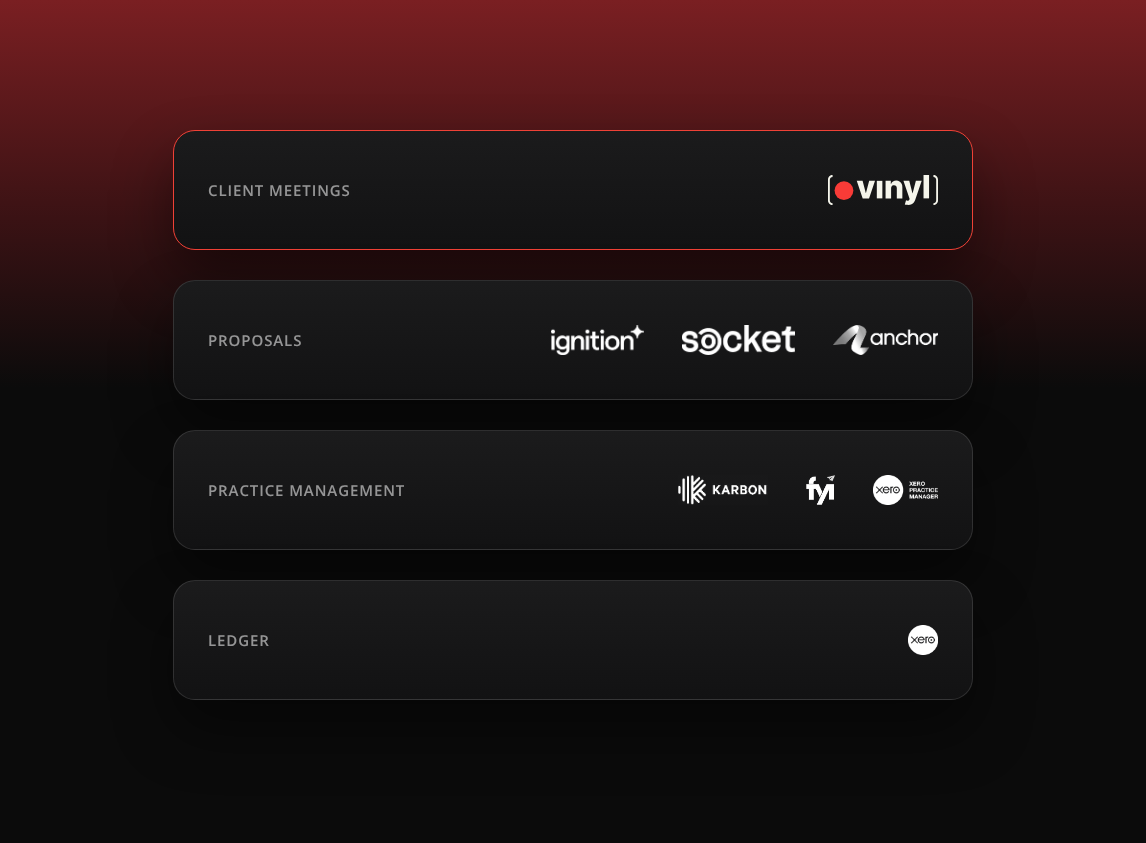
These features work from what’s already in the platform. If your meeting notes never reach practice management, the client’s most important conversations are missing from the record. That’s why Vinyl posts meeting summaries and actions to Karbon timelines and FYI client records, and syncs clients, contacts and groups from Xero Practice Manager.
Proposals and pricing
Where AI helps
Proposal and engagement platforms such as Ignition, Socket and Anchor handle scope, pricing and the signed engagement. The slow part is usually getting the scope out of the meeting and into the proposal while the client is still keen.
How it fits with Vinyl
The meeting summary gives you the brief: scope, decisions, timelines and next steps, already written down. You use it to build the proposal in Ignition or Socket without retyping from memory. With Anchor, Vinyl goes a step further and combines the transcript with your Anchor service and pricing data to suggest a proposal structure and pricing.
A checklist for any AI tool that touches client data
Run every tool through these questions before your team uses it on a client file. Ask the vendor for written answers.
- Training. Is our data used to train AI models, for this vendor or anyone else? Can we switch that off, and is it off by default?
- Storage. Where is our data stored and processed? Does that suit our clients and any residency requirements we have?
- Access. Who at the vendor can see our data? Can we control access by user, and is multi-factor authentication available?
- Retention. How long is data kept, and can we delete it ourselves?
- Human review. Where does a person check the output before it reaches a client or a lodgement?
- Consent. For recording tools, how are clients told the meeting is being recorded?
For Vinyl, the answers to the first two are short. Primary data is stored in Australia, and Vinyl does not train AI on customer meetings. Our guide on whether it’s safe to use an AI notetaker in client meetings goes through the rest in detail.
Start with the job that costs you the most hours
You don’t need an AI tool for every job at once. Pick the one that eats the most of your team’s week, try a tool on it for a month, and measure the hours honestly. For most firms we work with that’s the admin after client meetings. For yours it might be email or proposals. Whichever you choose, keep a person reviewing what the AI produces, because the judgement is still the part your clients pay for.You don’t need an AI tool for every job at once. Pick the one that eats the most of your team’s week, try a tool on it for a month, and measure the hours honestly. For most firms we work with that’s the admin after client meetings. For yours it might be email or proposals. Whichever you choose, keep a person reviewing what the AI produces, because the judgment is still the part your clients pay for.
Frequently Asked Questions
What are the best AI tools for accountants?
It depends on the job. A purpose-built meeting tool such as Vinyl covers client meetings and follow-ups. General assistants such as ChatGPT, Claude, Microsoft Copilot and Gemini help with drafting and research. Many practice management and proposal platforms now include their own AI features as well.
Is it safe for accountants to use AI tools with client data?
It can be, if the tool is approved by your firm for client data and you know how it handles training, storage, access and retention. Keep identifiable client details out of general AI assistants unless your firm has approved them for that use, and check your professional body’s guidance.
Can AI replace an accountant’s judgement?Can AI replace an accountant’s judgment?
No. AI can draft, summarise and organise, but a person should review anything that goes to a client or into a return. Tax answers from general assistants in particular need checking against primary sources.No. AI can draft, summarize and organize, but a person should review anything that goes to a client or into a return. Tax answers from general assistants in particular need checking against primary sources.
How do AI meeting tools fit with practice management software?
They feed it. Vinyl syncs two ways with Karbon and FYI, posting summaries and actions to the client record, and syncs clients, contacts and groups from Xero Practice Manager so each meeting is filed to the right client.