Most firms we talk to never sat down and chose a software stack. It built up one renewal at a time. The ledger came first because the clients were already on it. Practice management arrived when the spreadsheet of jobs stopped working, and a proposal tool followed a year of chasing unsigned engagement letters.
Each piece does its own job well enough. The trouble lives in the gaps between them, where someone on your team types the same client detail into the third system of the morning.
This guide walks through the software a public-practice accounting or bookkeeping firm runs in 2026, job by job: what each piece does and what to look for when you choose. We name well-known vendors only as examples. We haven’t ranked them or listed prices, because your clients, region and existing setup matter more than any league table. We build Vinyl, which handles client meetings, so read that section knowing who wrote it.
Your stack only works when information moves between the pieces
A firm’s software is only as useful as the handoffs between the tools.
Say a client mentions in a meeting that they’ve bought a rental property. That one fact needs to reach the job in practice management, the proposal for the extra work and the follow-up email the client reads that afternoon. If a person has to carry it by hand each time, you have a set of separate filing cabinets with logins.
When we surveyed 259 accounting firms, 12% told us their notes, tasks and client emails live in different systems. Over 60% said capturing action items and next steps is their biggest challenge after a meeting. Keep those numbers in mind as you read the jobs below.
Ledger: where the client’s books live
What it does in a practice
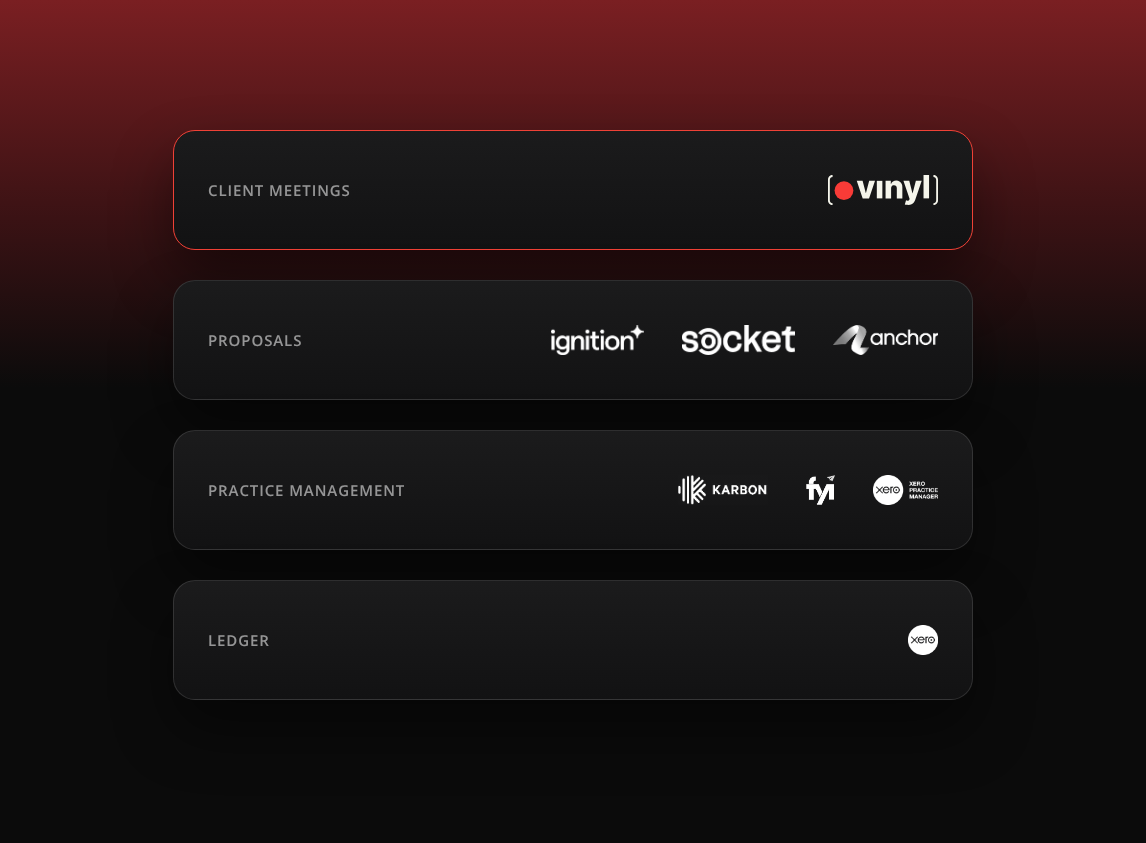
The ledger holds your clients’ transactions: bank feeds, invoices, bills and the reports your year-end work is built from. Xero, QuickBooks Online and MYOB are common examples. Plenty of firms support more than one, because clients often arrive already using a system.
What to look for
- Which ledgers your clients in your region already use, since you’ll inherit their choice more often than you make it.
- Partner or practice access that lets your team move between client files from one login.
- A clean connection to your practice management system for client and contact details.
Practice management: the jobs, the deadlines and the client record
What it does in a practice
Practice management is where the firm runs its work. It holds the client list, recurring jobs, deadlines and time, and in many firms the email inbox and client timeline too. Karbon, FYI and Xero Practice Manager (XPM) are examples.
What to look for
- A client record your whole team treats as the one place to look.
- Recurring job templates for the compliance work you repeat every year, whether that’s tax returns, lodgements or payroll.
- Integrations with your ledger, proposals and meeting tools, so updates arrive without retyping.
This is also where we think meeting notes belong, where the next colleague on the client can find them.
Proposals and engagement: scope, price and the letter
What it does in a practice
Proposal software turns an agreed scope into a priced proposal and a signed engagement, and many tools also handle payment collection. Ignition, Socket and Anchor are examples.
What to look for
- A service library you can price the same way every time.
- Engagement terms that suit your firm. Check your professional body’s guidance and your insurer’s expectations on what an engagement letter should cover.
- A handover to practice management once the client signs, so the job is created without a second round of typing.
- How the scope gets into the proposal in the first place. In most firms it starts as a conversation.
Client meetings: the gap most stacks leave
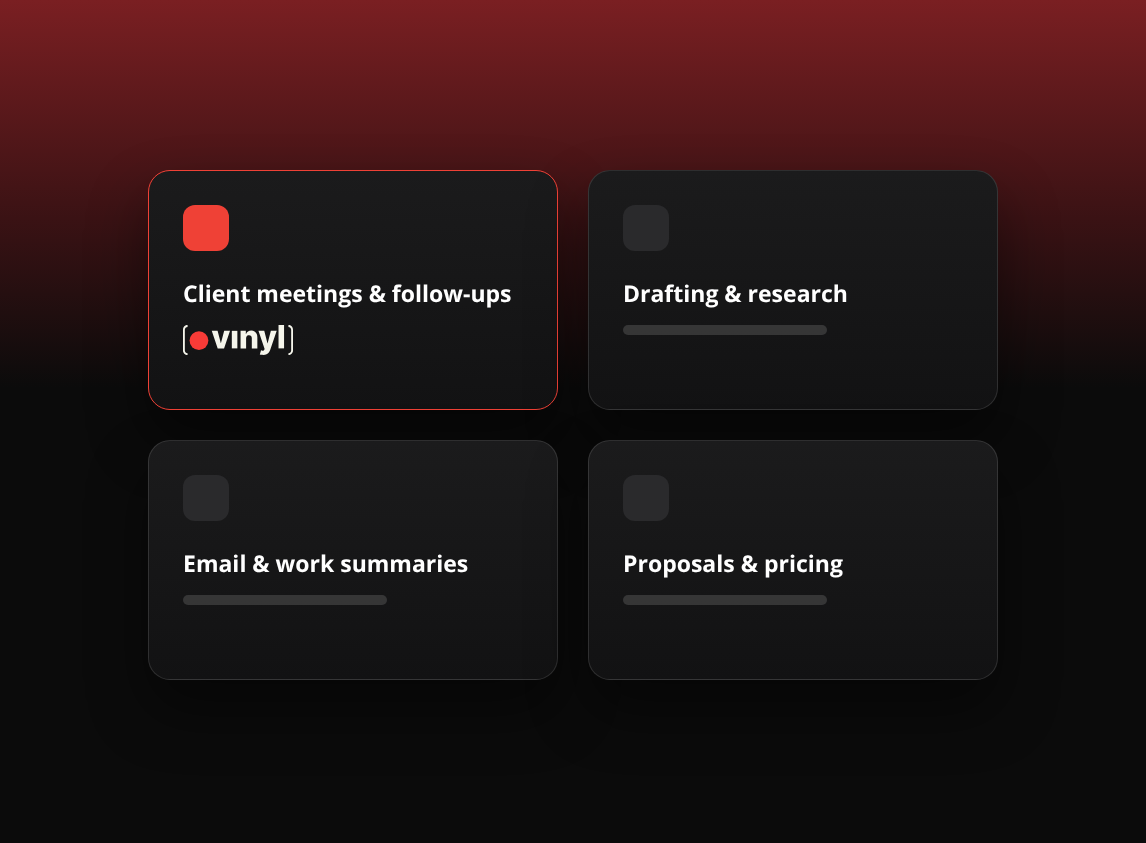
Meetings are where advice is given and new work comes up, yet most stacks have no software for them. The record is handwritten notes, a recording nobody replays, or someone’s memory.
Our research put a number on the cost. 57% of firms spend at least 30 minutes of admin per meeting, and the median firm loses 3.8 hours a week to post-meeting tasks. One in four firms has 11 or more meetings a week. Only 39% use an AI notetaker regularly, while 29% still take fully manual notes.
Vinyl is built for this job in accounting and bookkeeping firms. It records Zoom, Microsoft Teams and Google Meet calls, joining from your Google or Microsoft calendar, and the mobile app records in-person meetings. Summaries are written for accounting work, with firm actions and client actions kept apart, and Vinyl drafts the follow-up email for you to review and send from your own Gmail or Outlook.
What to look for in any meeting tool
- Coverage of every way you meet clients, including across a desk.
- Meetings filed against the right client without someone renaming files.
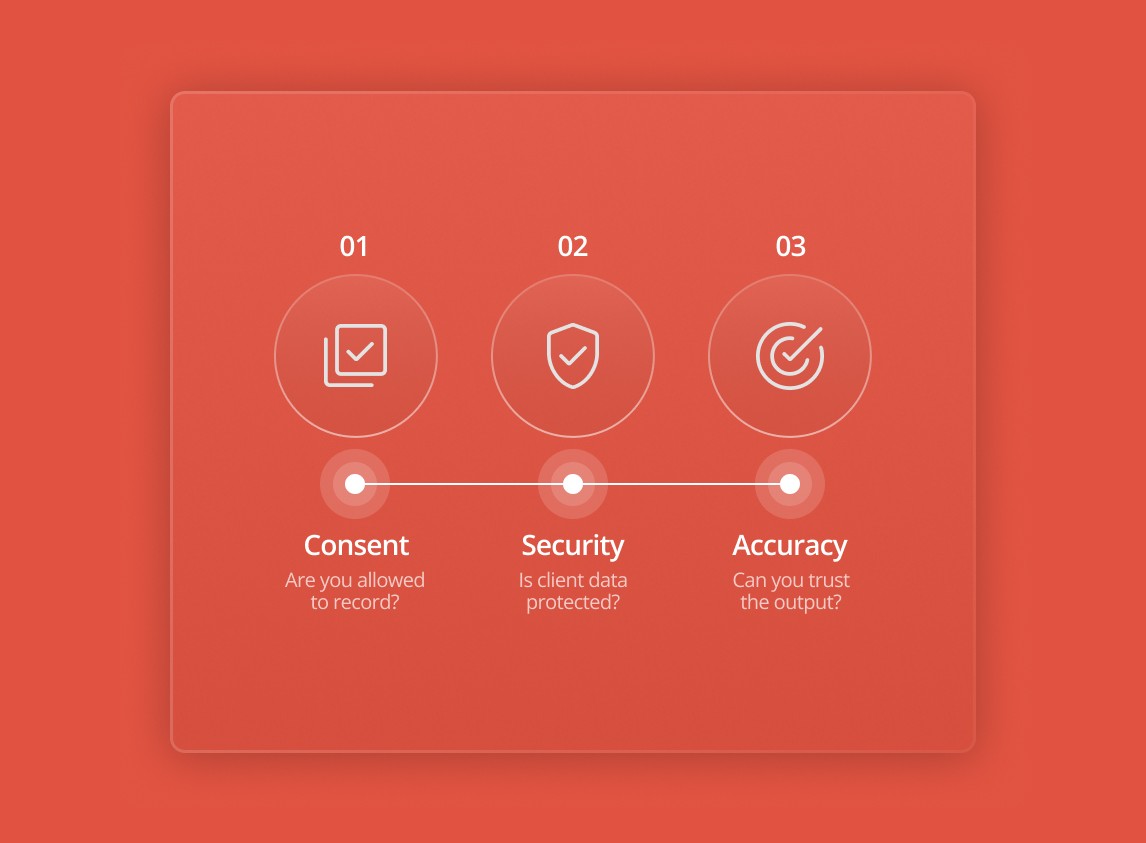
- A clear answer on where recordings are stored and whether they’re used to train AI.
- A real connection to practice management, beyond an export button.
Email and calendar: the layer everything else depends on
What it does in a practice
Gmail or Outlook, and Google Calendar or a Microsoft calendar, sit under the whole stack. The calendar tells your other tools when meetings happen. Email is where clients actually read your advice.
What to look for
- One platform across the firm where you can manage it, since mixed setups double the integration work.
- Connected apps that ask only for the access they need. Review those permissions at least once a year.
Tax software, document capture and client portals
The right choice in these categories depends heavily on your jurisdiction and client mix, so we’ll describe them generally.
Tax software prepares and lodges or files returns. Look for coverage of the entity types and jurisdictions you handle, and for how it pulls figures from the ledger.
Document capture reads receipts and bills into the ledger. Look for accuracy on the documents your clients actually send, and decide who in the team checks what it produces.
Client portals handle secure document exchange and signatures. The best test is whether your clients will use it. If they keep emailing attachments anyway, the portal isn’t doing its job.
How Vinyl connects to the rest of your stack
Here’s how the meeting layer feeds the other jobs, using the integrations listed on our integrations page.
Calendar. Connect Google Calendar or a Microsoft calendar once. When a Zoom, Teams or Google Meet link appears in an event, Vinyl joins at the scheduled time.
Practice management. Vinyl syncs two ways with Karbon and FYI. It pulls in your clients and contacts, then posts a summary to the matched Karbon timelines or files it against the right FYI client, with links back to the transcript and recording. Decisions, owners and due dates are saved with the client record. With Xero Practice Manager, Vinyl syncs your clients, contacts and groups so every meeting maps to the right people.
Proposals. The meeting summary becomes the brief for a proposal in Ignition or Socket. With Anchor, Vinyl combines the transcript with your Anchor service and pricing data to suggest a proposal structure and pricing.
Email. Vinyl drafts the client follow-up from the meeting. You check the To, Cc and body, then click Send from your own Gmail or Outlook, or save it as a draft. Nothing goes out until you click Send.
Back to the client with the new rental property. After the meeting, the summary is on their Karbon or FYI record, the extra work is flagged as a revenue opportunity, the proposal brief is ready, and the follow-up email is drafted and waiting for your review. Nobody had to carry the fact by hand.
Start with the handoffs
Next time you review your software, map the handoffs as well as the tools. Trace one client conversation from last week and note every place someone retyped a detail. In most firms the first of those gaps opens the moment the meeting ends.
Frequently Asked Questions
What software does an accounting firm need?
Most public-practice firms run a ledger for client books, practice management for jobs and deadlines, proposal software for pricing and engagement, email and calendar, tax software, document capture and a client portal. A meeting tool covers the job most stacks miss: turning client conversations into notes, actions and follow-ups.
What is the difference between accounting software and practice management software?
Accounting software, the ledger, holds a client’s financial transactions. Practice management software runs your firm’s own work: the client list, recurring jobs, deadlines and the client timeline. Karbon, FYI and Xero Practice Manager are examples of practice management.
How should a small firm choose its software?
Start with what your clients already use for their books, then choose practice management that connects to it. Add tools job by job, and check each new one connects to what you already run so details don’t have to be retyped.
Where do client meeting notes belong?
On the client record in practice management, where the whole team can see them. Vinyl posts meeting summaries and actions to Karbon timelines and FYI client records, and syncs clients, contacts and groups from Xero Practice Manager so meetings are filed to the right client.