Why a CPA firm needs more than a notetaker
A lot of engagement work starts in a meeting. A client mentions a second business, asks whether you can take over their bookkeeping, or agrees to upload statements to the client portal by Friday. If that never reaches the client record, the tax preparer who picks up the file next month starts cold.
The admin adds up. In our research across 259 accounting firms, the median firm loses 3.8 hours a week to post-meeting tasks, and over 60% say capturing action items and next steps is their biggest meeting challenge. A tool that only hands you a transcript leaves all of that work where it was.
What to look for in an AI meeting assistant for a CPA firm
It understands accounting conversations
A general notetaker summarizes a tax planning call the same way it summarizes a product demo. Your summary should separate what the firm agreed to do from what the client agreed to do.
Vinyl writes accounting-specific summaries with firm and client actions listed separately, tags each meeting by type, and lets you choose a concise or detailed summary. You can add custom prompts, a glossary of your firm’s terms and your own writing style, so the output sounds like your firm.
It records the meetings you actually have
Vinyl joins video calls from your Google or Microsoft calendar, and the Vinyl mobile app records in-person meetings. It doesn’t record phone calls, so if you take a lot of client calls by phone, you can upload an audio file or a transcript afterward instead.
It connects to where your work lives
If the notes stay inside the notetaker, someone still has to copy them across. Check that the tool posts to your practice management system and knows which client a meeting belongs to. Vinyl also pulls clients, contacts and groups from Xero Practice Manager, so meetings are filed against the right client in Vinyl.
A person reviews before anything reaches a client
AI notes are a strong first draft. Make sure nothing goes to a client before someone at the firm has read it. Vinyl drafts and you decide: it never sends an email on its own.
The jobs it should do after every client meeting
Write the file note
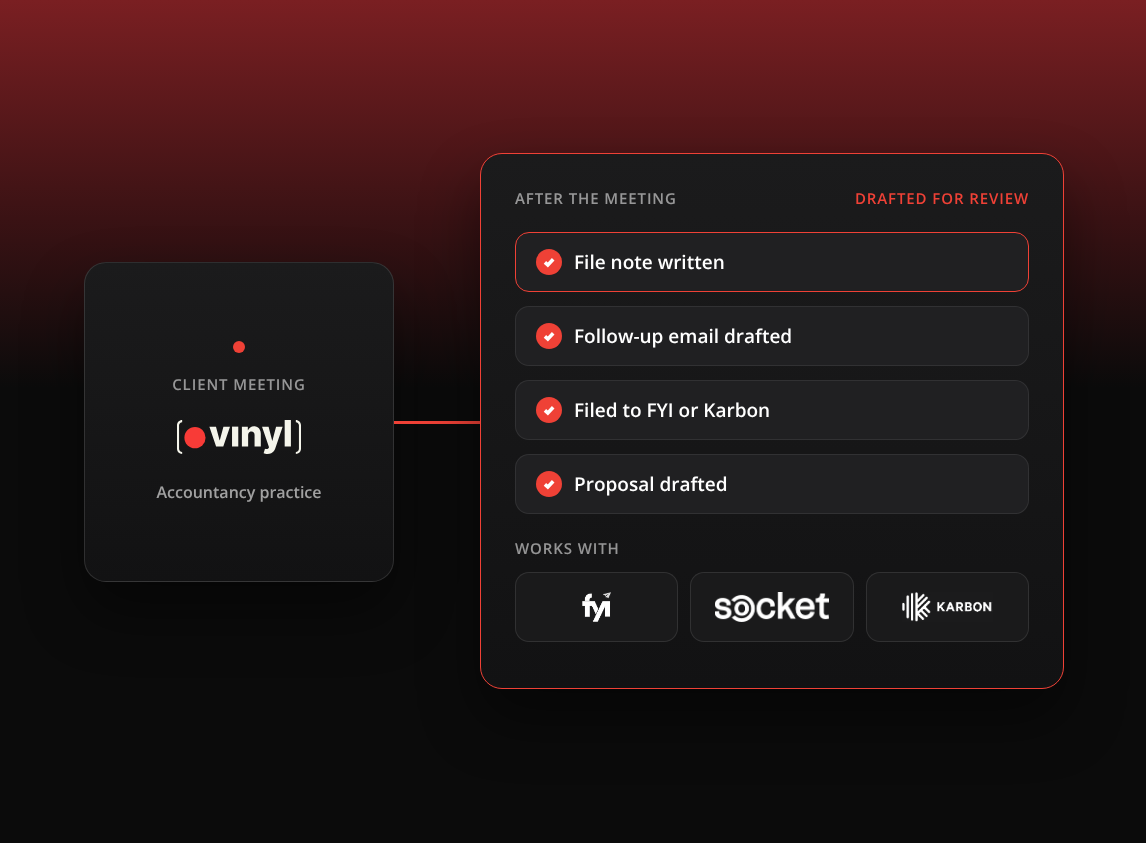
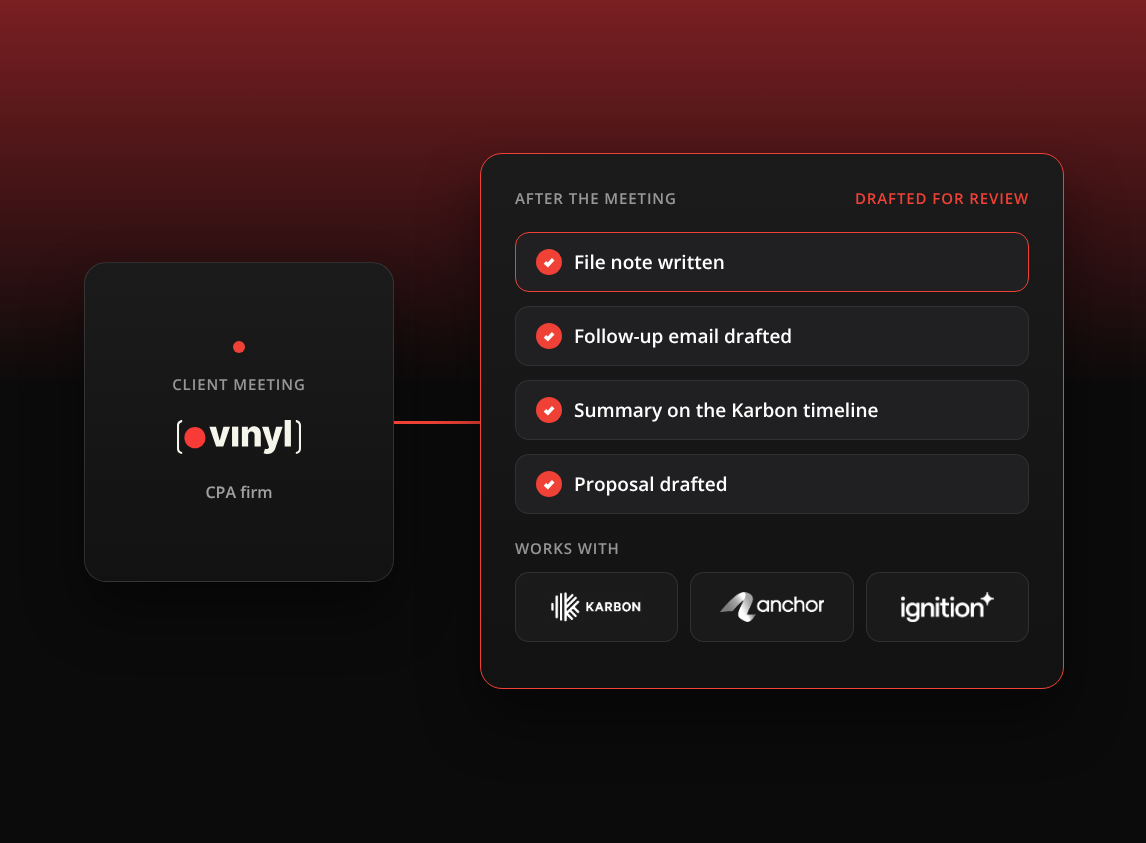
The file note is your record of what was advised and agreed. Vinyl writes it as soon as the meeting ends, with the decisions and the actions on each side. You check it, and it’s done the same day.
Draft the follow-up email
For the client, the follow-up email is often the clearest record of what was agreed. Vinyl drafts it from what was said, including anything the client asked you to look into. You review it in Vinyl, edit the recipients and the wording, then send it from your own Gmail or Outlook or save it as a draft.
Put the meeting on the Karbon timeline
With the Karbon integration, Vinyl syncs your clients and contacts from Karbon, recognizes who was in the meeting, and posts the summary to each matched timeline with links back to the transcript and recording. Decisions, next steps and owners are saved with the client. Anyone on the team who opens that client in Karbon sees the meeting next to the emails and work items, including your tax preparers and bookkeepers who weren’t on the call.
Start the proposal in Anchor or Ignition
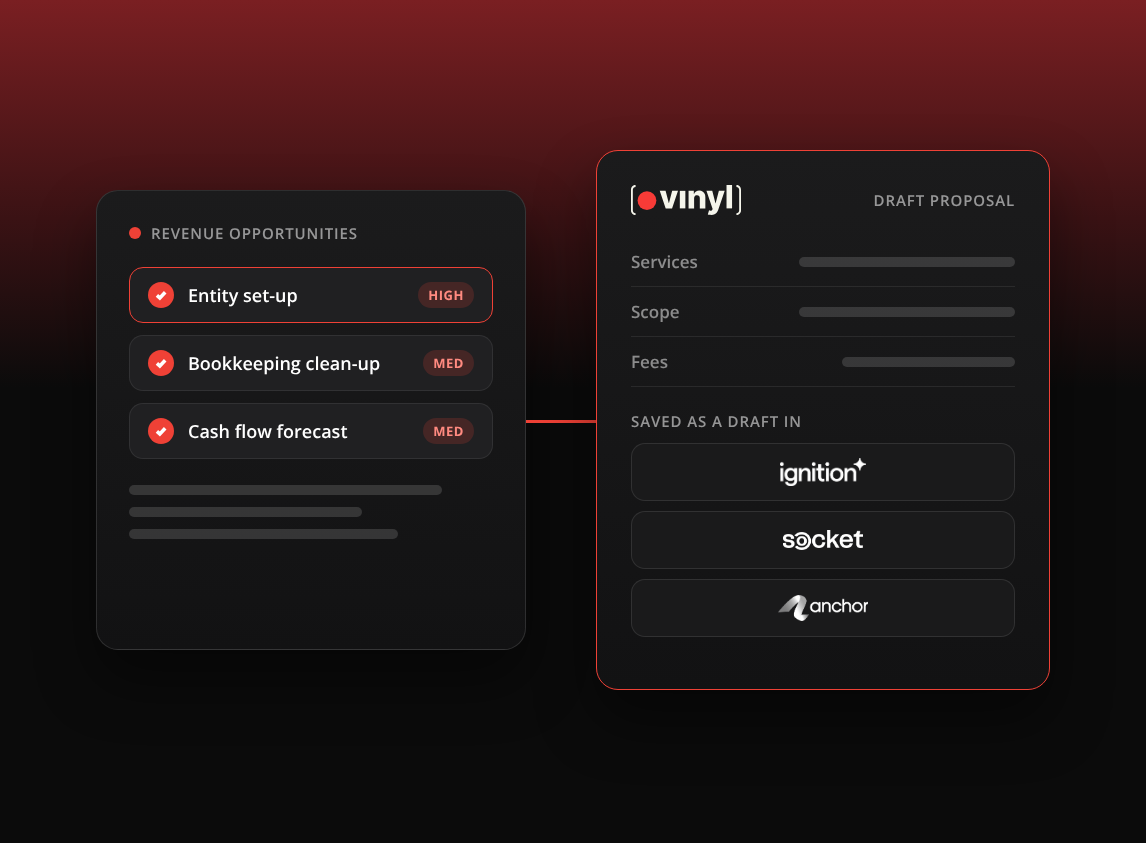
When a meeting turns into new work, Vinyl drafts a proposal in your proposal tool from the meeting, for someone at the firm to approve. With Anchor, Vinyl combines the transcript with your Anchor services and pricing to suggest the proposal and pricing, often within 30 seconds. With Ignition, it matches the services discussed to items in your Ignition library and drafts the proposal there. Either way, your proposals and engagement letters stay in the tool where they already live.
BNA, a US tax, CPA and bookkeeping firm of 44 people on Karbon and Ignition, used to need a CPA to turn every prospect call into a fixed-price agreement. Now its operations lead drafts each proposal from the meeting notes in Vinyl, and the CPA reviews and approves it.
Now I can build that FPA and just give it to the tax accountant for their approval rather than requiring their knowledge base to be able to build it.
Whitney McLaughlin, Operations & Onboarding Coordinator, BNA. Read the story
Karbon decided it for BNA, because the summaries could go straight to the client timeline.
I don’t need it to be Karbon. I just need it to be able to talk to Karbon.
Whitney McLaughlin, Operations & Onboarding Coordinator, BNA. Read the story
Questions to ask about client data
Put these questions to any vendor before the first recorded meeting:
- Where is meeting data stored, and where is it processed?
- Are recordings, transcripts or summaries used to train AI models?
- Who in your firm can see each meeting, and can you keep a meeting private?
- How do you delete a meeting, and what happens to your data if you leave?
- How does the tool show clients that a meeting is being recorded?
Vinyl stores primary data in Australia and doesn’t train AI on customer meetings. Our guide to using an AI notetaker safely in client meetings has Vinyl’s full answers on encryption, access, processing and deletion.
On consent, tell clients when a meeting is being recorded, in the calendar invite and again at the start of the call. Recording rules depend on where you and your clients are, so check them, and check your professional body’s guidance, whether that’s the AICPA or your state CPA society, before you set a firm-wide policy.
What Vinyl costs in US dollars
Every plan includes unlimited users and every integration. Plans differ only by the hours of meetings included each month:
| Plan | Price a month | Meeting hours included | Extra minutes |
|---|---|---|---|
| Starter | US$85 | 20 | 14c a minute |
| Growing | US$165 | 60 | 12c a minute |
| Scaling | US$329 | 180 | 10c a minute |
As a rough guide, Starter suits one person recording five meetings a week, Growing suits three team members doing the same, and Scaling suits ten. Firms that need 500 or more hours of meetings a month can talk to us about a high-volume plan. The pricing page has an estimator that works out the right plan from your team size and meeting length, and our US page shows Vinyl set up for US firms.
A practical way to judge any tool is to run it on a week of real client meetings. Count how many file notes were done the same day, how many follow-ups went out before the client had to chase you, and how many meetings reached Karbon without anyone copying them across. Those numbers will tell you more than any feature list, including ours.
Frequently Asked Questions
What does an AI meeting assistant do for a CPA firm?
It records client meetings and turns them into the work that follows: a file note, a drafted follow-up email, actions for the firm and the client, and an entry on the client’s record in your practice management system. Vinyl also drafts proposals in Anchor or Ignition when a meeting turns into new work.
Does Vinyl send emails to my clients?
No. Vinyl drafts the follow-up email from the meeting. You review and edit it, then send it from your own Gmail or Outlook, or save it as a draft. Nothing goes out until you click Send.
Does Vinyl work with Karbon, Anchor and Ignition?
Yes. Vinyl syncs two ways with Karbon, posting meeting summaries and actions to client timelines. It drafts proposals in Anchor and Ignition from your client meetings, for someone at your firm to approve.
How much does Vinyl cost for a US firm?
Starter is US$85 a month for 20 hours of meetings, Growing is US$165 for 60 hours and Scaling is US$329 for 180 hours. Every plan includes unlimited users and every integration.